Search and Filter Spend
Last updated: June 26, 2026
Overview
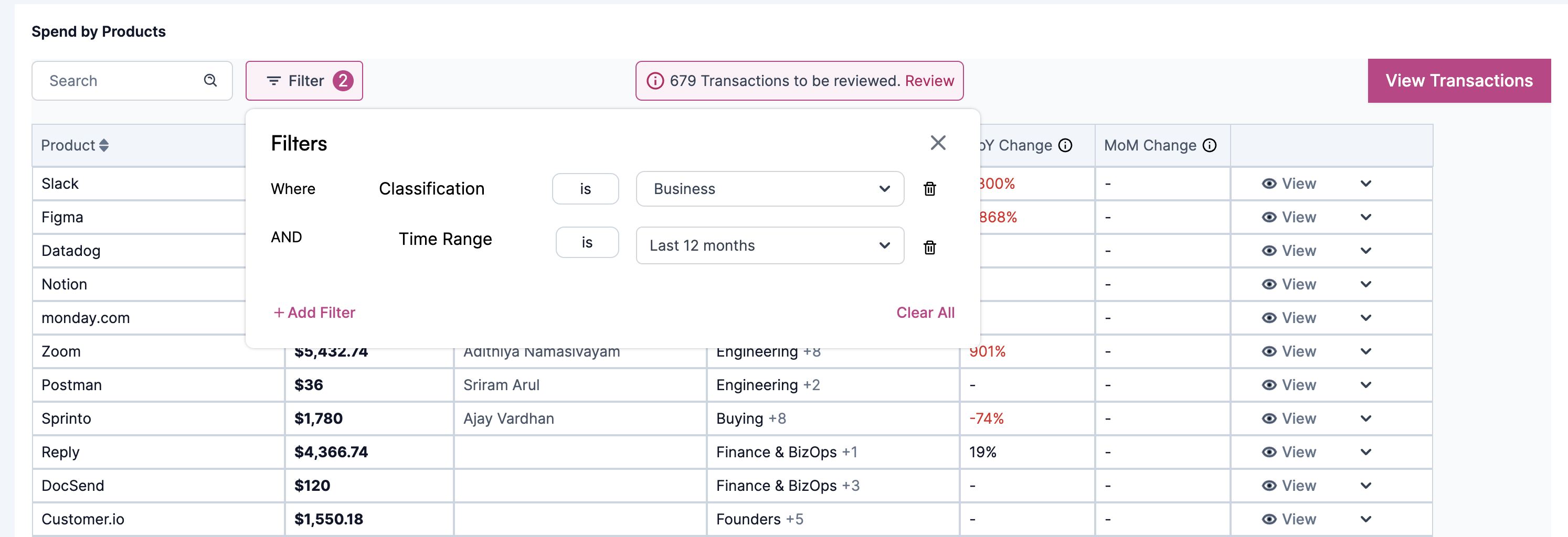
The search and filtering functionality is an essential feature that empowers users to find specific transactions for an app or filter transactions based on categories, types, or dates. This capability proves particularly valuable when seeking transactions related to a particular app and examining their details and amounts.
To Search and Filter Spend, navigate to Management>Spend from the navigation menu.
Once you are on the Spend page, you have the table called Spend and product where you can apply filters and search for a particular category of spend or product, to learn how to Search and apply Filters on Spendflo, refer article here