Platform Notifications
Last updated: August 7, 2026
Overview
Notifications triggered by workflows are automated alerts sent to users and admins based on specific process events, tasks, or milestones. These notifications ensure timely updates, and prompt actions, and keep all stakeholders informed throughout a workflow. The goal is to ensure that our users are informed about various tasks and activities on the platform tailored to their roles.
The workflow notifications are sent to the following recipients:
Requester
Admin
Task Owner
Request Owner
Custom Emails or Channels (like Slack)
If you have opted for Spendflo to assist with negotiations in your Procurements, you will receive notifications based on your role below:
Task Type | Task/ Request Action | Requester | Task Owner | Request Owner | Admin(s) |
Intake Task | Task Assigned | NA | NA | NA | NA |
Intake Task | Task Due | NA | NA | NA | NA |
Intake Task | Task Overdue | NA | NA | NA | NA |
Intake Task | Task Denial | NA | NA | NA | NA |
Intake Task | Task Completion | ✅ | ✅ | ✅ | ✅ |
Any other Task | Task Assigned | ⛔️ | ✅ | ⛔️ | ⛔️ |
Any other Task | Task Due | ⛔️ | ✅ | ⛔️ | ⛔️ |
Any other Task | Task Overdue | ✅ | ✅ | ✅ | ✅ |
Any other Task | Task Denial | ✅ | ✅ | ✅ | ✅ |
Any other Task | Task Approval/ Completion | ✅ | ✅ | ✅ | ⛔️ |
Any Task | Due Date Change | ✅ | ✅ | ⛔️ | ⛔️ |
Any Task | Task Owner Change | ✅ | ✅ | ⛔️ | ⛔️ |
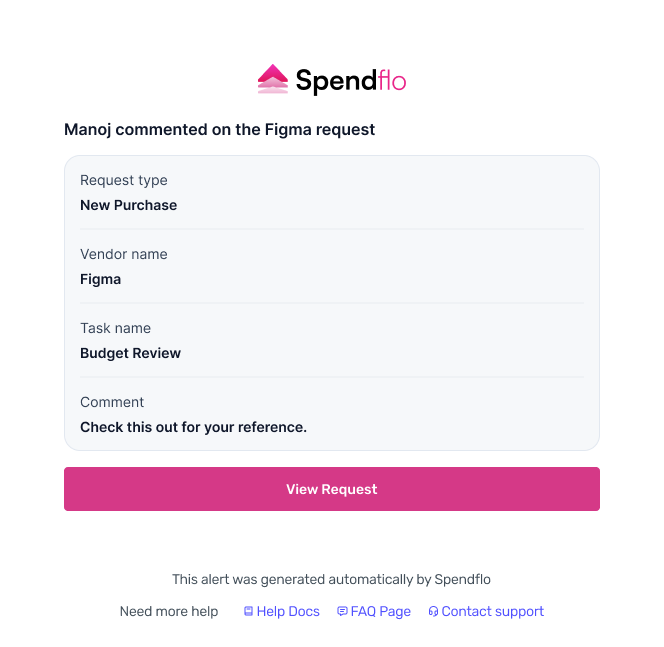
Any Task | Cord Comment on Task Thread | ⛔️ | ✅ | ⛔️ | ⛔️ |
- | Request Assigned | ✅ | ⛔️ | ✅ | ✅ |
- | Request Overdue | ✅ | ✅ | ✅ | ✅ |
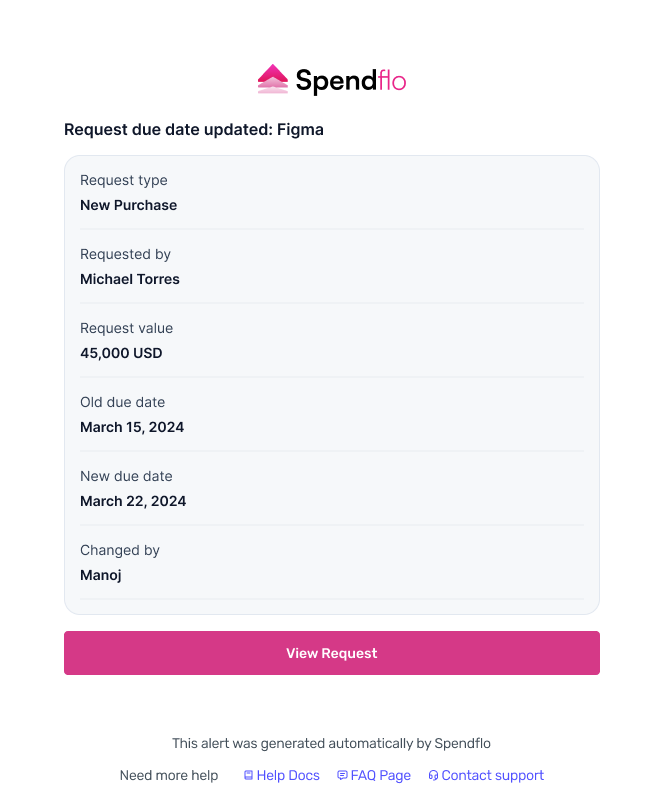
- | Request Due Date Changed | ✅ | ✅ | ✅ | ⛔️ |
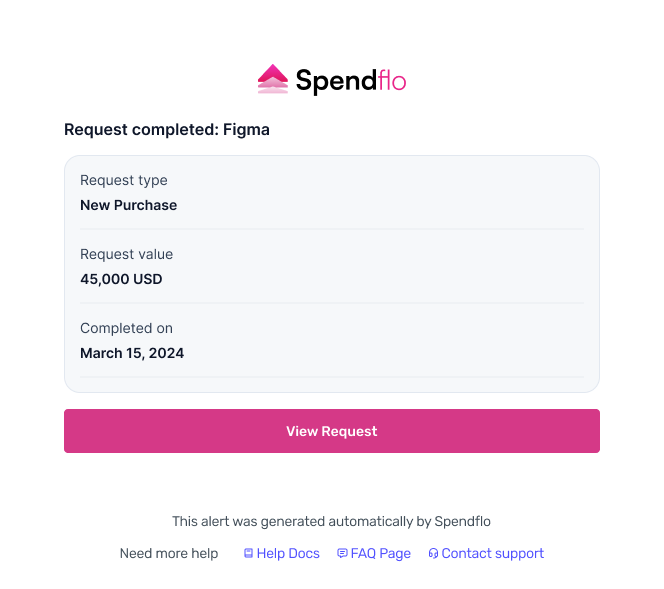
- | Request Completion | ✅ | ✅ | ✅ | ✅ |
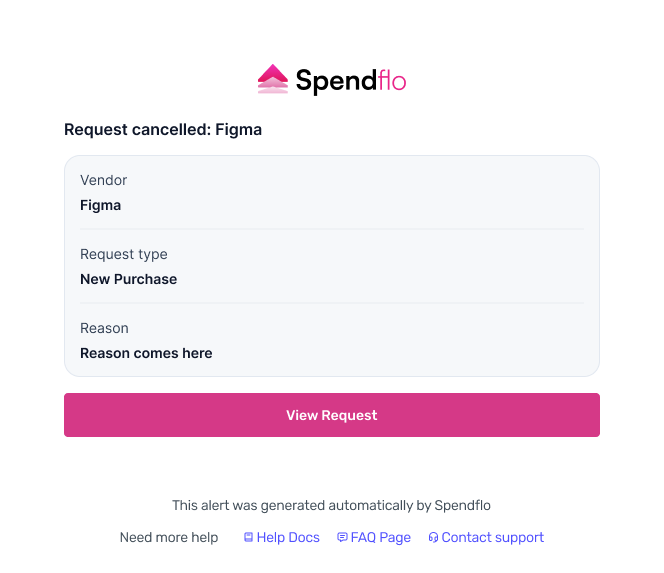
- | Request Cancellation | ✅ | ✅ | ✅ | ✅ |
Key Benefits
Real-Time Updates: Users receive notifications about critical events such as approvals, escalations, or bottlenecks, enabling them to manage workflows efficiently.
Actionable Insights: Notifications alert admins about task completion, delays, or upcoming deadlines, helping them track progress and maintain smooth operations.
Compliance and Oversight: Alerts for renewals, policy changes, or compliance requirements help admins stay proactive and avoid disruptions.
Task Reminders: Users are notified of upcoming or overdue tasks, ensuring they remain on top of their responsibilities.
Smooth Progression: Notifications guide users through workflow stages, clarifying the next steps and preventing delays.
Collaboration: Workflow notifications keep team members aligned, updating them on shared tasks or completed actions that impact the broader team.
Workflow Notification Triggers
The following events from the workflows are various triggers for the notifications from the Spendflo platform:
Task Assignment
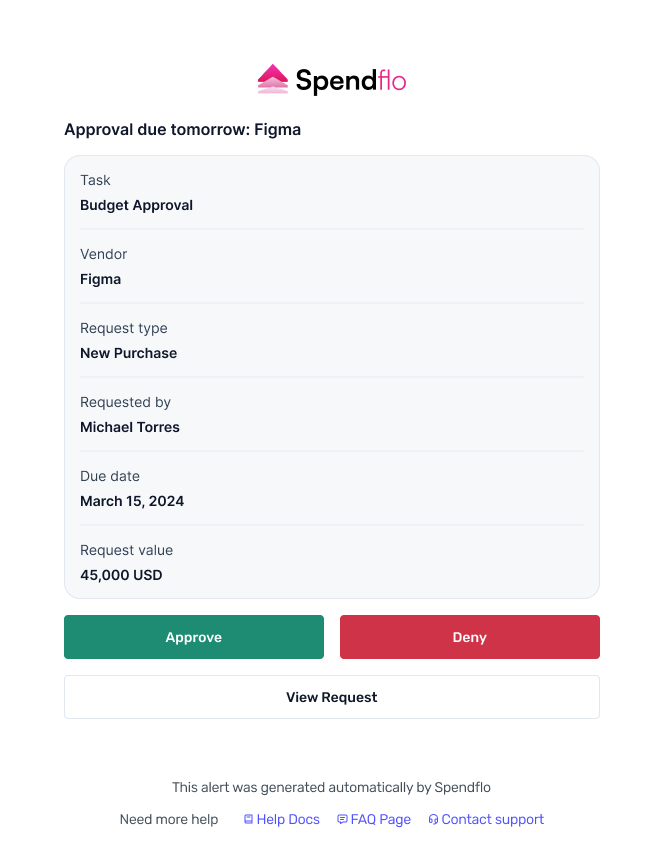
Task Due (sent one day prior)
Task Completion/Approval
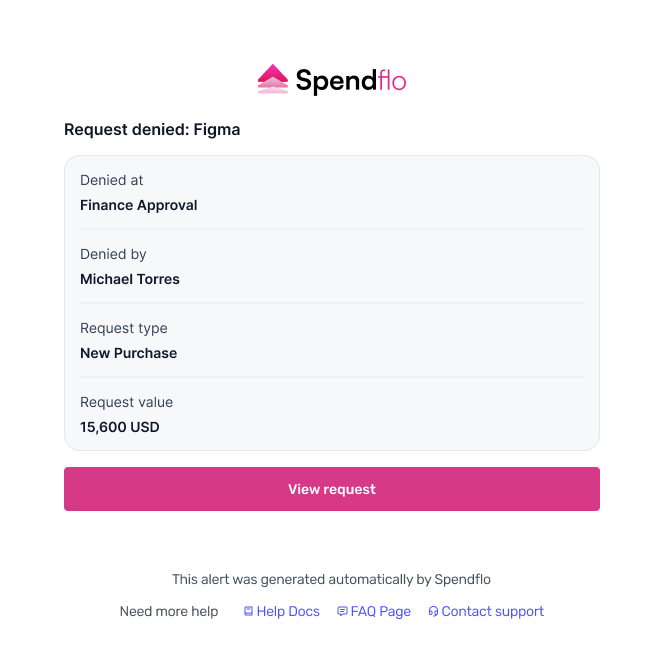
Task Denial
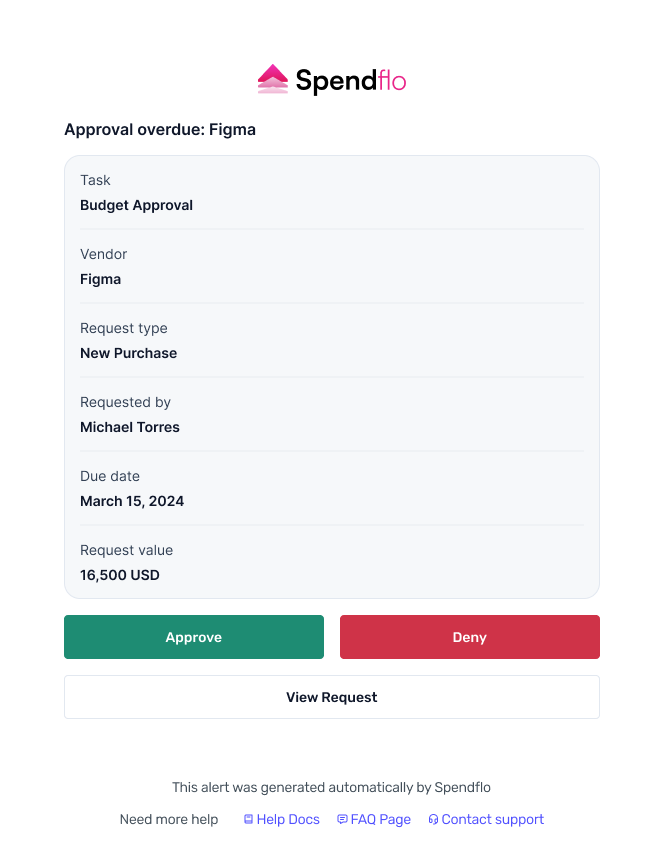
Task Overdue
Task Due Date Changes
Task Owner Changes
Comments on Task
Request Assignment
Request Overdue
Request Cancellation
Request Due Date Changes
How to Configure Your Notification Preferences
Viewing your notifications
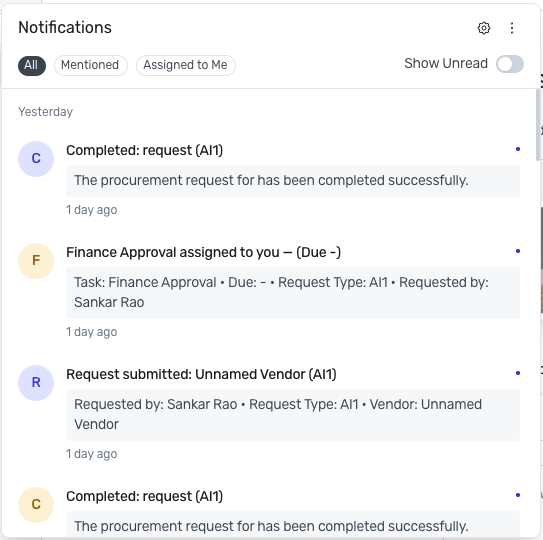
Click the bell icon in the top-right of any page to open your notifications panel. Filter by All, Mentioned, or Assigned to Me, and toggle Show Unread to see only what you haven't read yet.
Configuring your notification preferences
From the Home Page (My Hub) or any page, click the Settings icon (gear icon, bottom-left of the sidebar).
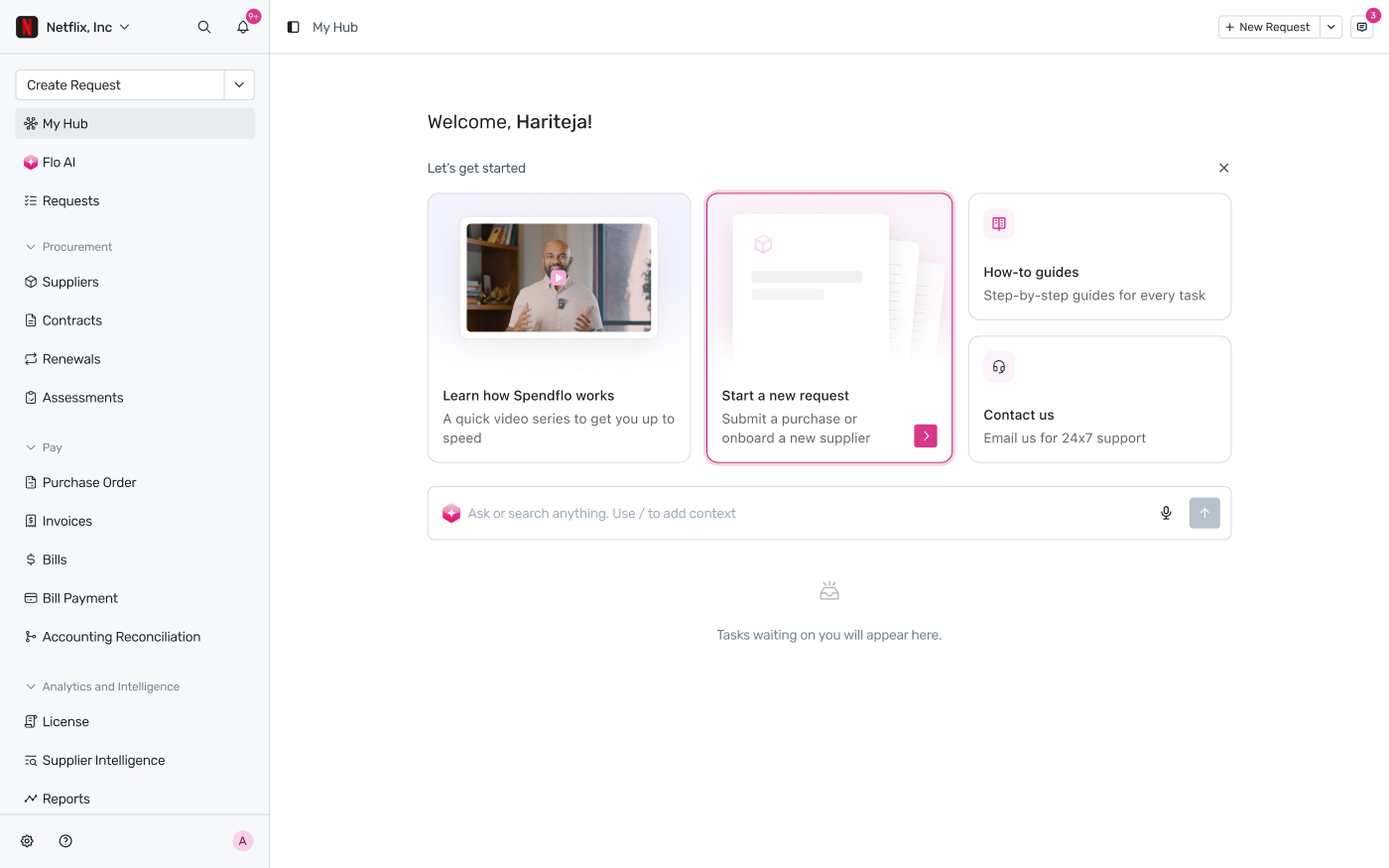
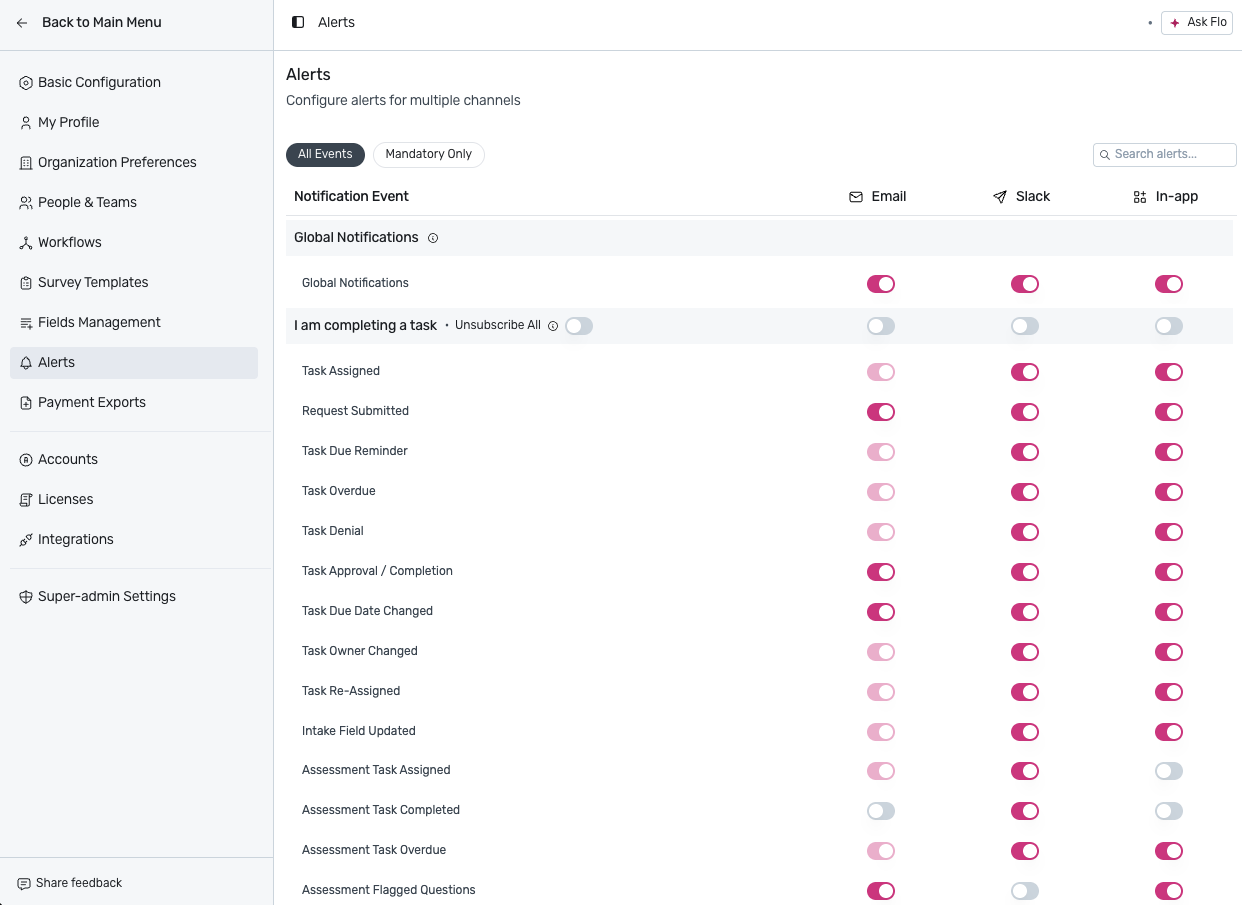
In the settings menu, select Alerts.
On the Alerts page, toggle Email, Slack, and In-app independently for each notification event — Task Assigned, Request Submitted, Task Due Reminder, Task Overdue, Task Denial, Task Approval/Completion, Task Due Date Changed, Task Owner Changed, Task Re-Assigned, Intake Field Updated, and several Assessment-specific events (Assigned, Completed, Overdue, Flagged Questions). Use All Events / Mandatory Only at the top to filter the list, or the group-level Unsubscribe All toggle to turn off an entire category at once.
Important Note:
To receive Slack notifications, your Spendflo workspace must be connected to Slack.
Turning off Global Notifications at the top disables every notification for that channel except mandatory system notifications.
Notifications Examples
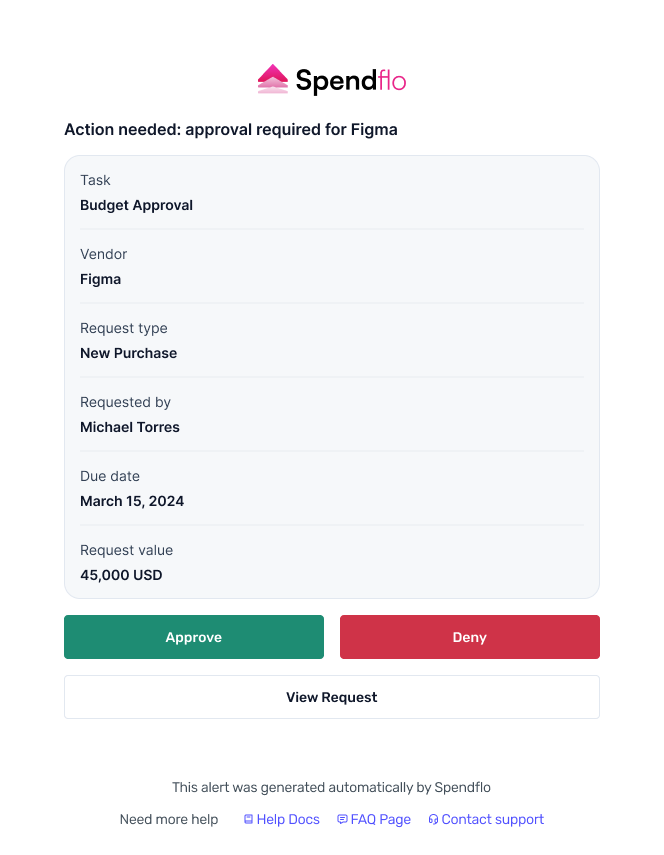
Here are some examples of how the notifications look, once triggered from the Spendflo platform:
1. Slack Notification
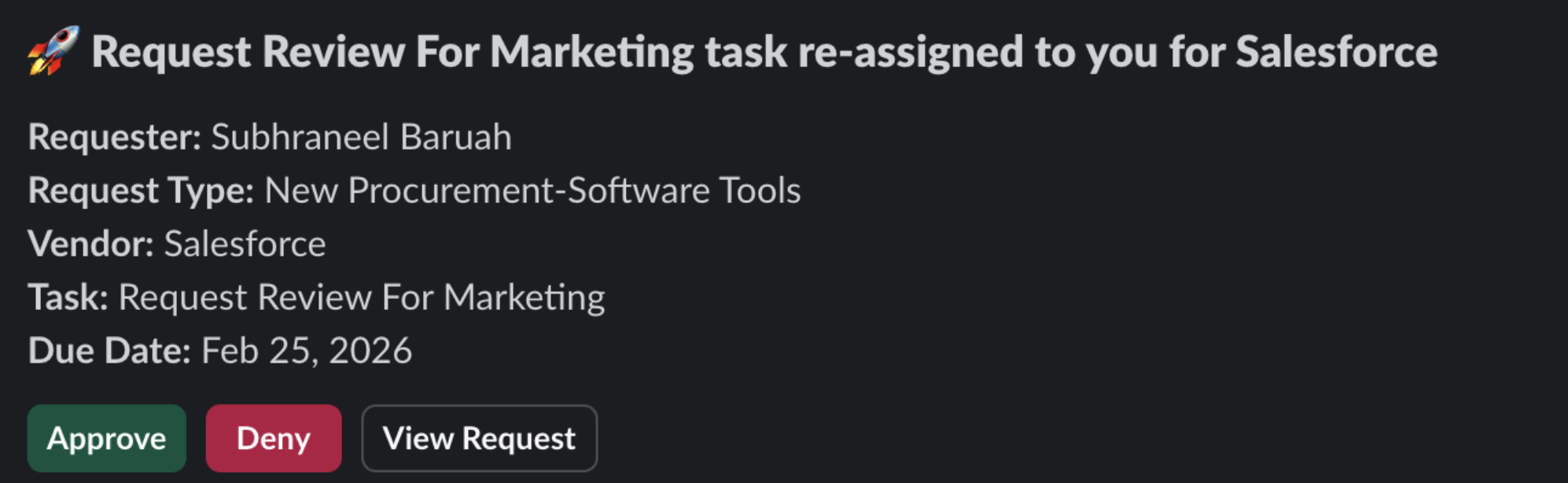
Note: To receive Slack notifications, the user must have installed the Spendflo App on Slack.2. Task Assigned Notification
3. Task Due Reminder Notification
4. Task Overdue Notification
5. Task Denial Notification
6. Task Approval Notification
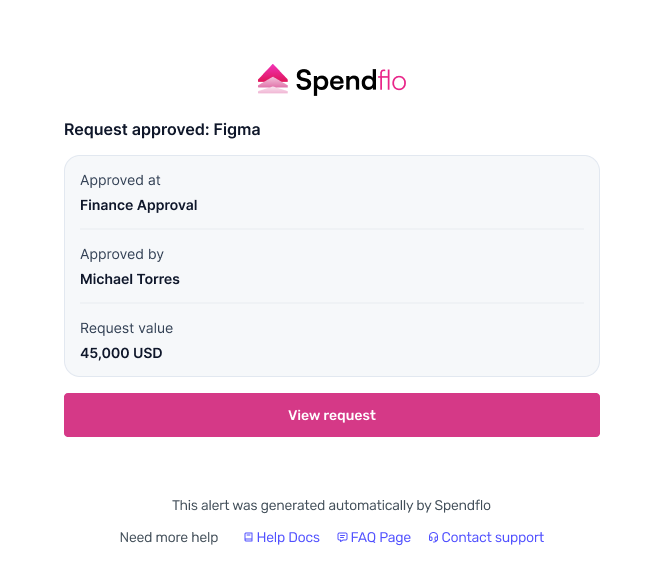
7. Cancellation of Request Notification
8. Request Due Date Changed Notification
9. Request Completed Notification
10. Request Owner Changed Notification
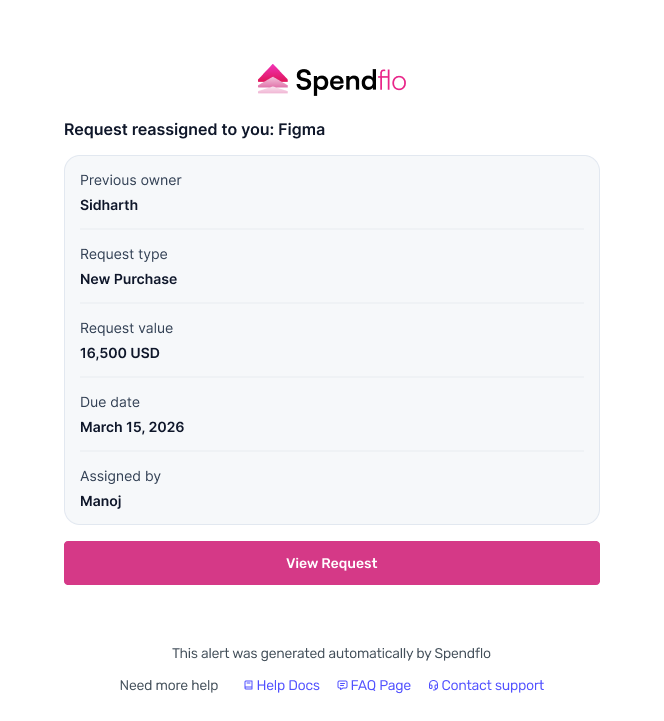
11. Comment on Task Thread Notification
In case of any further assistance, kindly contact your dedicated Customer Success manager.
To learn more about Spendflo’s Workflows, click here.