Workflow statuses
Last updated: June 26, 2026
Overview
The workflow status indicates the current state and stage of progression of a workflow within Spendflo. It helps you quickly identify where a workflow stands and spot any potential issues that need attention.
Workflow Statuses
Status | Description |
|---|---|
Active | The workflow is currently running, with tasks being executed according to the defined sequences and conditions. Active workflows can be edited to change tasks, phases, and conditions. |
Draft | The workflow is in progress or being created. Admins can add, modify, or remove tasks and phases. If an active workflow is edited, it moves back to Draft status and must be republished to become Active again. 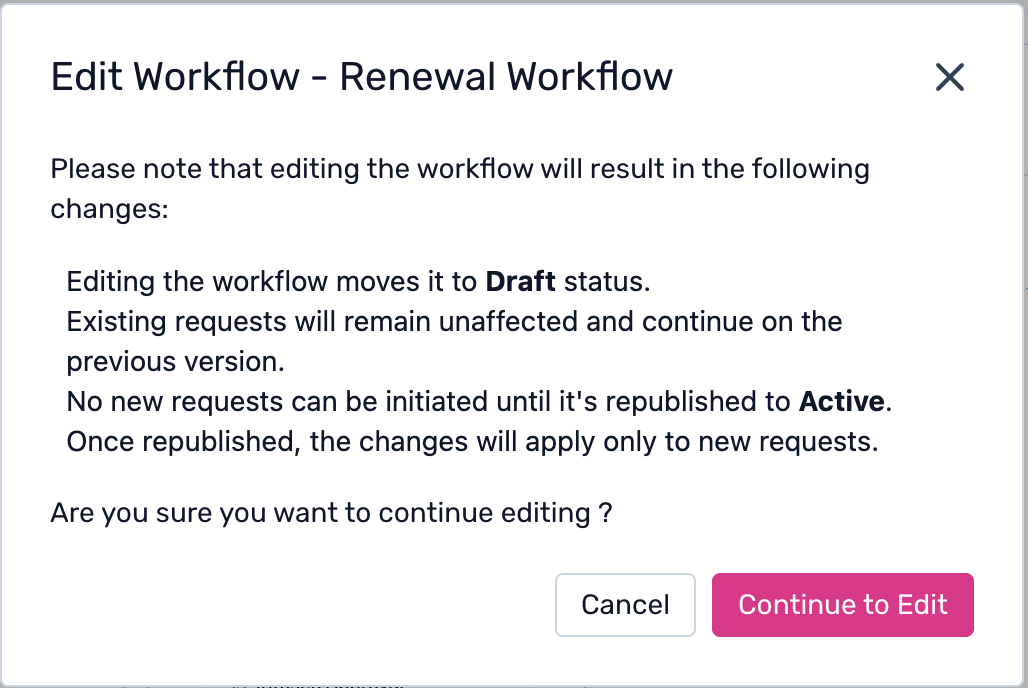 |
Pause/Stopped | The workflow is temporarily paused. No progression happens and all tasks and phases are halted until the workflow is resumed. 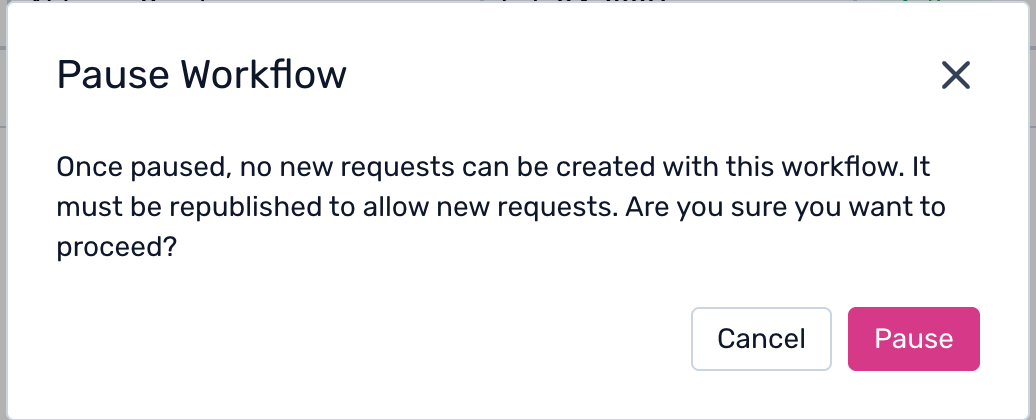 |
Archived | The workflow has been completed or discontinued and is stored for reference or historical data purposes. Admins can use archived workflows for data auditing. |
Note: The workflow status is not manually editable. It updates automatically based on the real-time state of the workflow within the platform.