How to Restore a Workflow from Version History?
Last updated: June 26, 2026
Overview
Spendflo’s workflow module enables administrators to track workflow changes through versioning and restoration features. This allows teams to restore workflows to previous versions, making it easy to roll back changes or recreate earlier workflow configurations.
Steps to Restore a Workflow
Access the workflow listing page and select the specific workflow you want to restore.

In the Workflow Studio, click Version Details in the upper right corner.

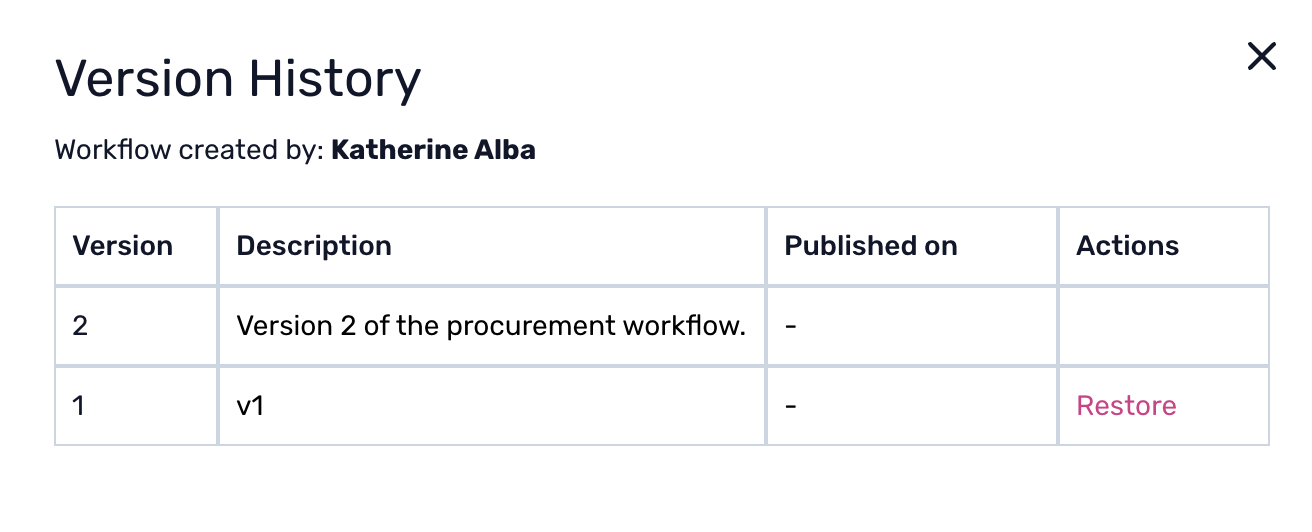
From the popup, choose the version you want to restore and click Restore.
Confirm the action by clicking Restore again to finalise the restoration.
