Logging into Spendflo's Slack Application
Last updated: June 26, 2026
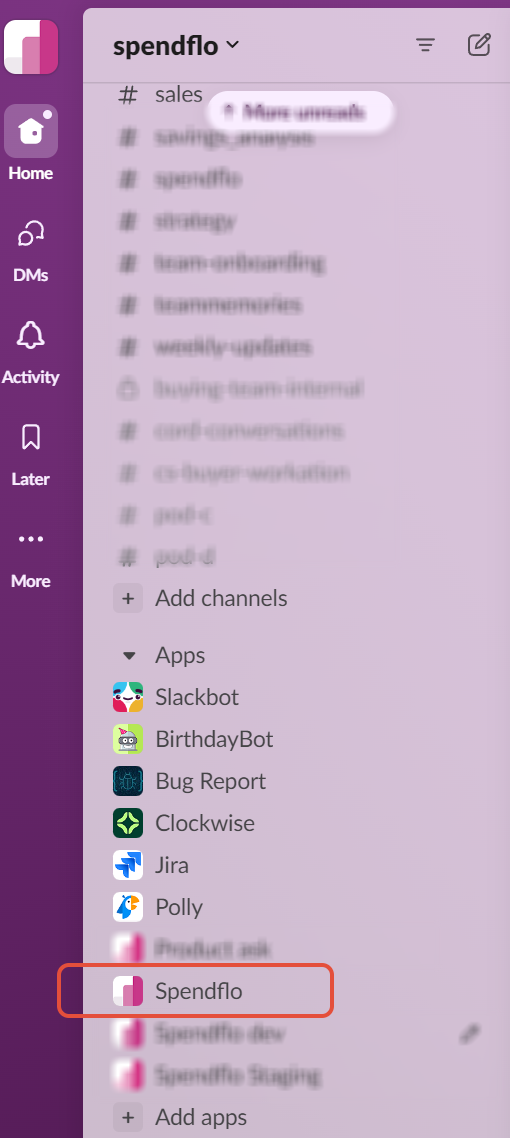
1. To log into Spendflo's Slack Application, navigate to Spendflo within Slack.
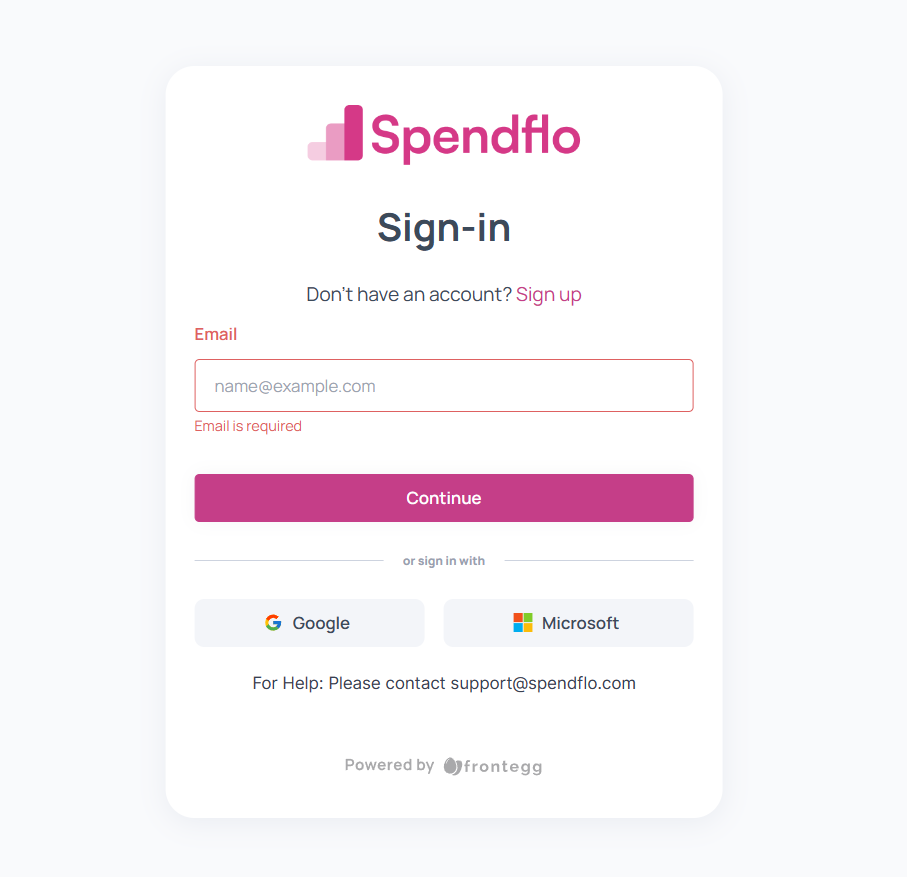
2.

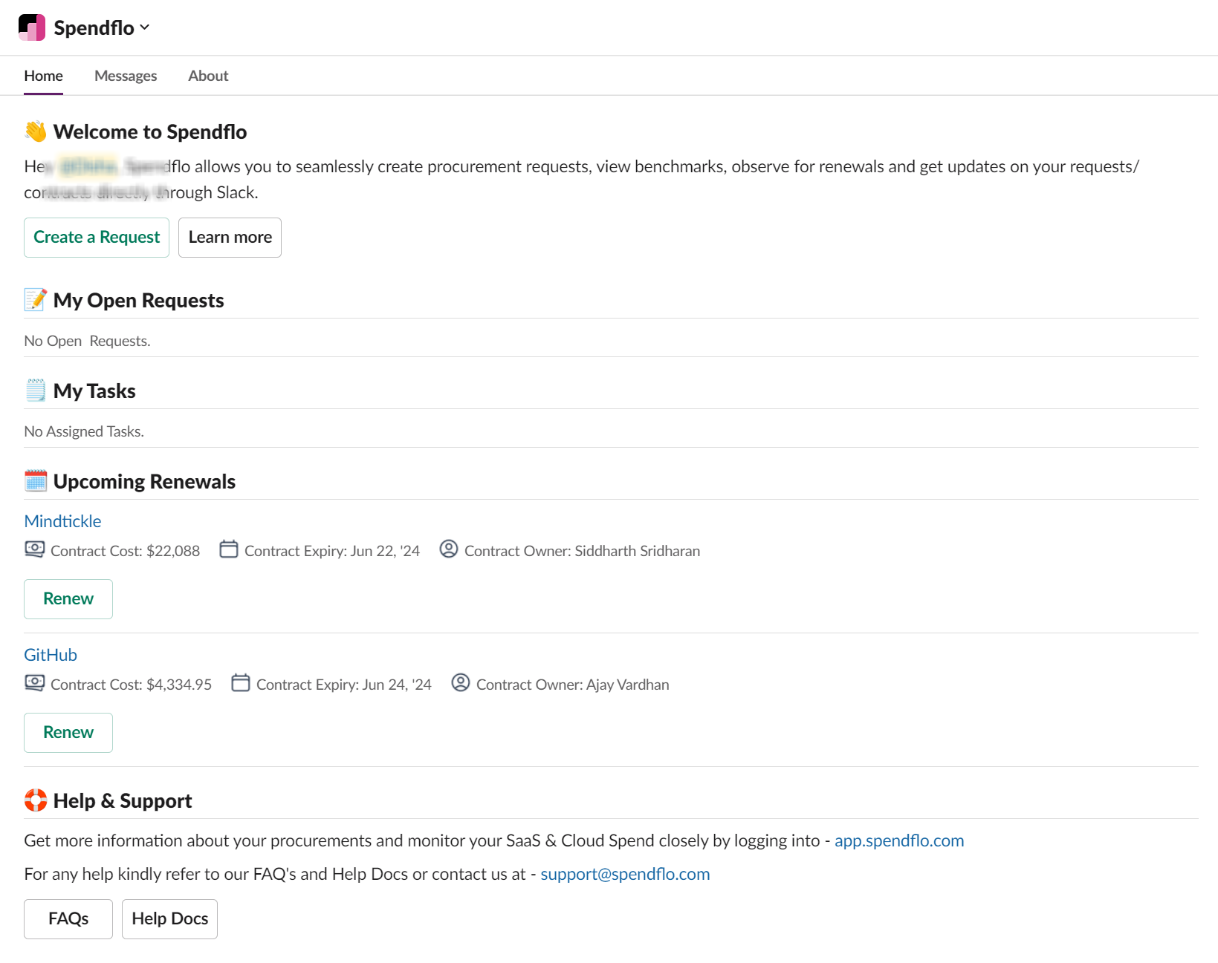
3. You can now view your open tasks in the home tab & start using Slack for procurements.
To log into Spendflo's Slack Application, sign in to your Spendflo Account from app.spendflo.com.
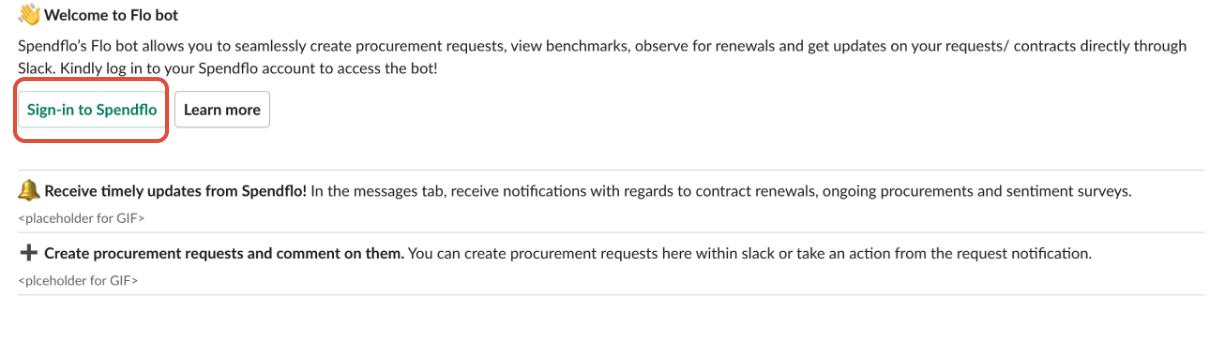
Note: If you have not logged in to your Spendflo account & directly login to slack, you will be prompted to login to your Spendflo account to start using Spendflo for Slack [See below]