How to add comments to the request
Last updated: June 26, 2026
Overview
Within Spendflo’s workflows module, requesters, task owners, and admins can add comments to requests to maintain contextual collaboration. Here’s how requesters can add comments:
Adding comments to the request
Step 1. Within the ‘Requests Listing’ page, select and click any request to view the ’Request Details’ page.
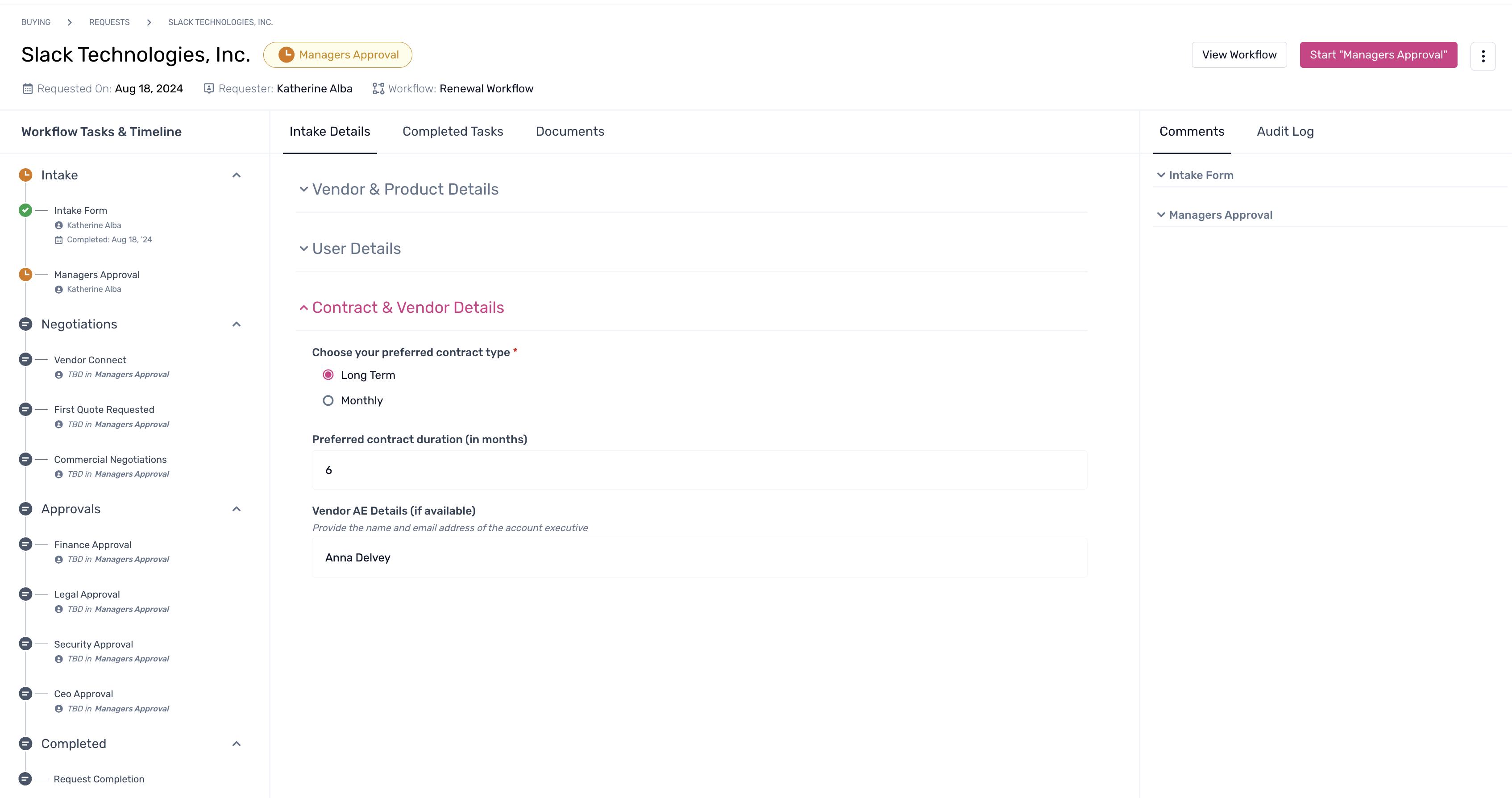
Step 2. Navigate to the right pane and click on the ‘Comments’ tab. Click on ‘+ Add Comment’ under the respective task as required.
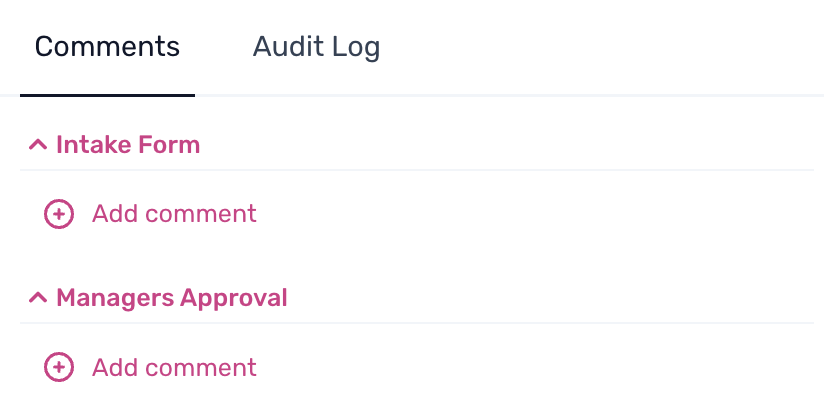
Step 3. Within the text box, provide the required comments and click on the → to send it.

Note: Users can also add team members and colleagues to the discussion by using the @ symbol, along with other customizations as required. They can include emojis, create a task within the comments, or simply include attachments as required.To learn more about the request details page, click here.