How to cancel a request
Last updated: June 26, 2026
Overview
In the request details page, admins or users can cancel requests once all the tabs are completed. Here’s how it can be done:
Cancelling requests
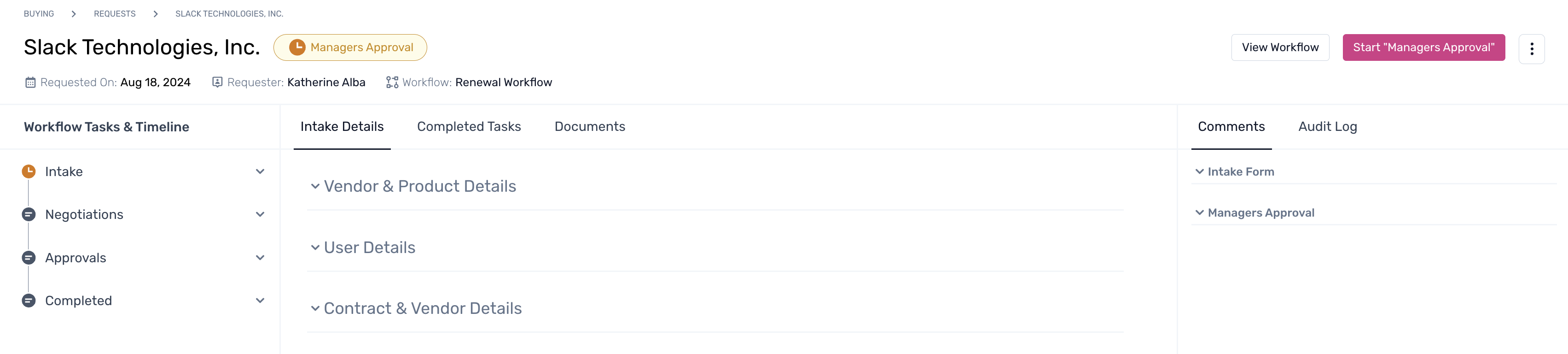
Step 1. Within the request details page, navigate to the right pane and click on the menu.
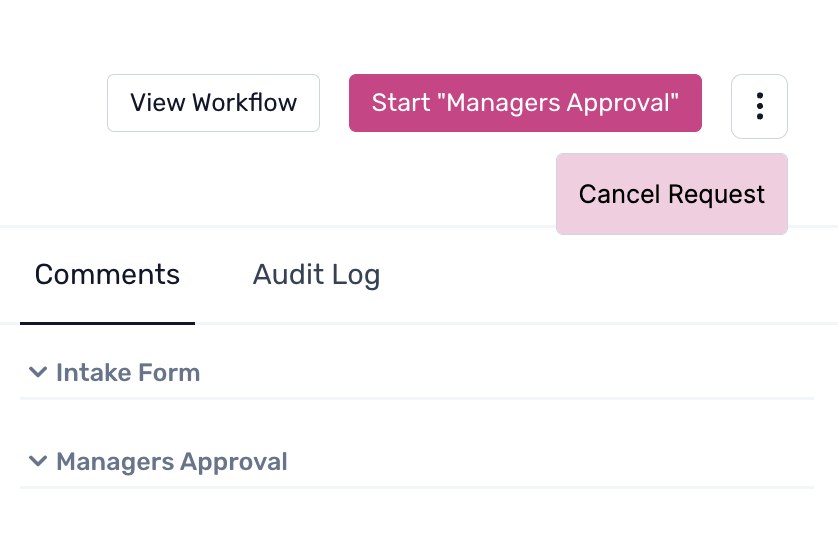
Step 2. Click on ‘Cancel Request’ to proceed.
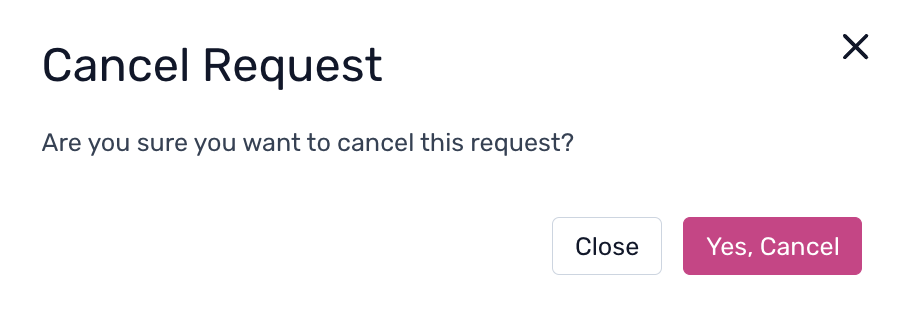
Step 3. From the pop-up, click on the confirmation to finish the process.