How to manage task approval or denial
Last updated: June 26, 2026
Overview
Task owners can leverage task approval processes within the workflows. Once a new request has been raised, the task approvers can view the tasks, their respective timelines, and the approval action as required. This can also be viewed on the right pane of the request screen under the Audit Log tab. Here’s how:
Managing task approval or denial
Step 1. Go to the ‘Open’ requests page, and select the request with the assigned task manager.

Step 2. Select the desired vendor and click on it to go to the request details page.
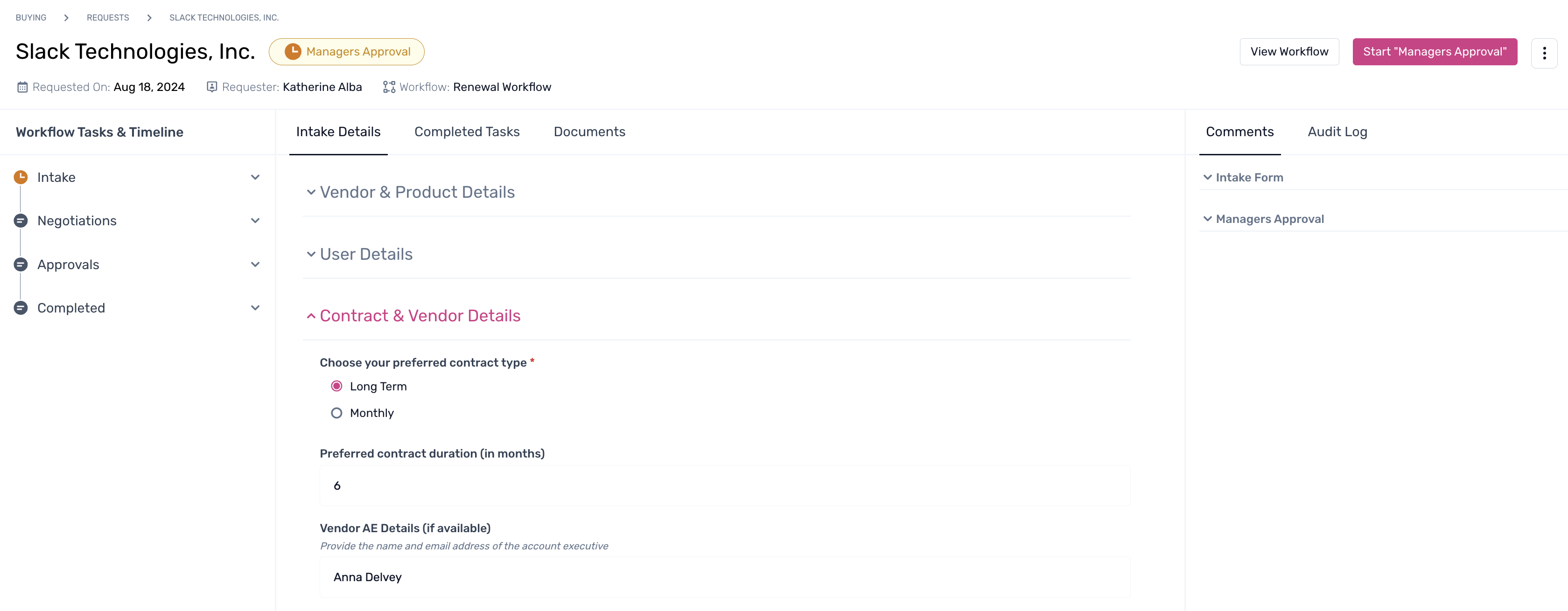
Step 3. On the left pane within the timeline, click the steps requiring approval. A pop-up will appear, and the task owner can select either Deny or Approve.

Note: This pop-up can also be leveraged by the task owners to request for more details. By clicking on it, comment box appears to add a note on what details are required by the task owner to action the approval.
To learn more about viewing pending or overdue tasks, click here.