How to configure a task checklist
Last updated: June 26, 2026
Overview
Task checklists can be configured within the task configuration screens and added to the workflow. Here’s how.
Configuring task checklists
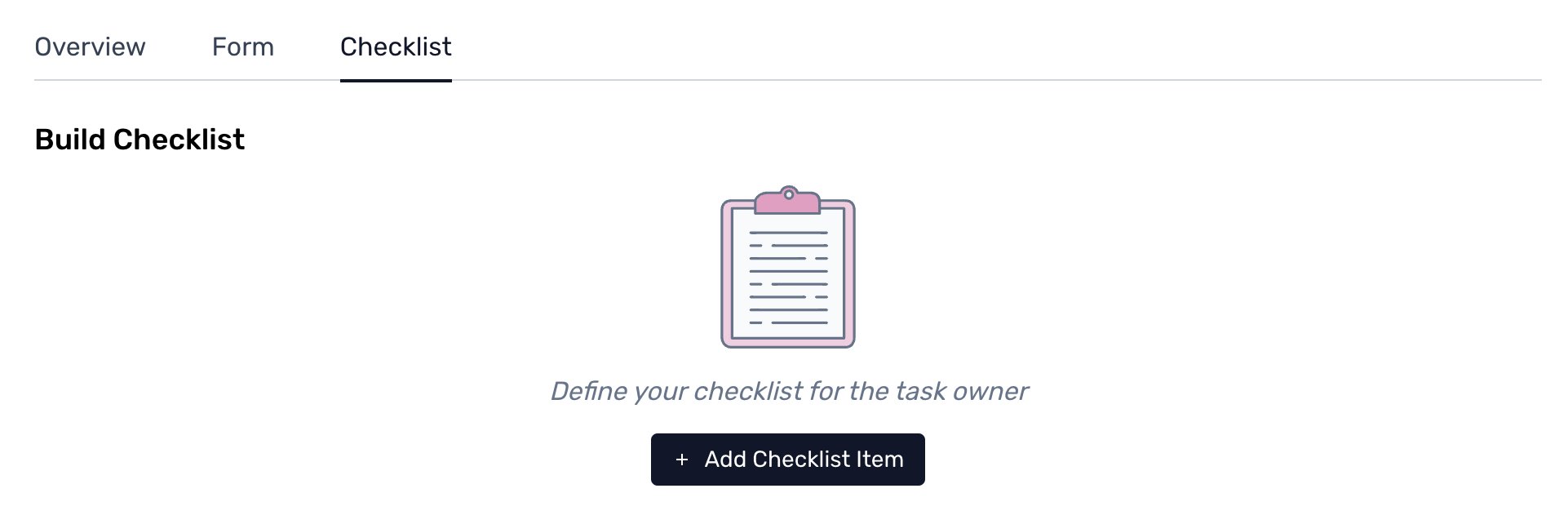
Step 1. Complete the steps to build and edit a custom form. Click on the ‘+ Add Checklist’ Item within the checklists tab to start.
Step 2. Once added, type the checklist item and description within the text box, and check on the check/tick '✔' icon to save the item.

Note: The checklist items added can be edited or deleted within the tab. To perform this action, click on the icons present within the checklist item to complete the action.Step 3. Once the checklist is configured and completed, click on Save and Continue to finish.

Click here to learn more about intake management.