Setting up your profile
Last updated: August 10, 2026
Overview
My Profile is where you manage your own identity in Spendflo — your name, department, designation, and account security settings. It's reached from the Settings icon, under My Profile.
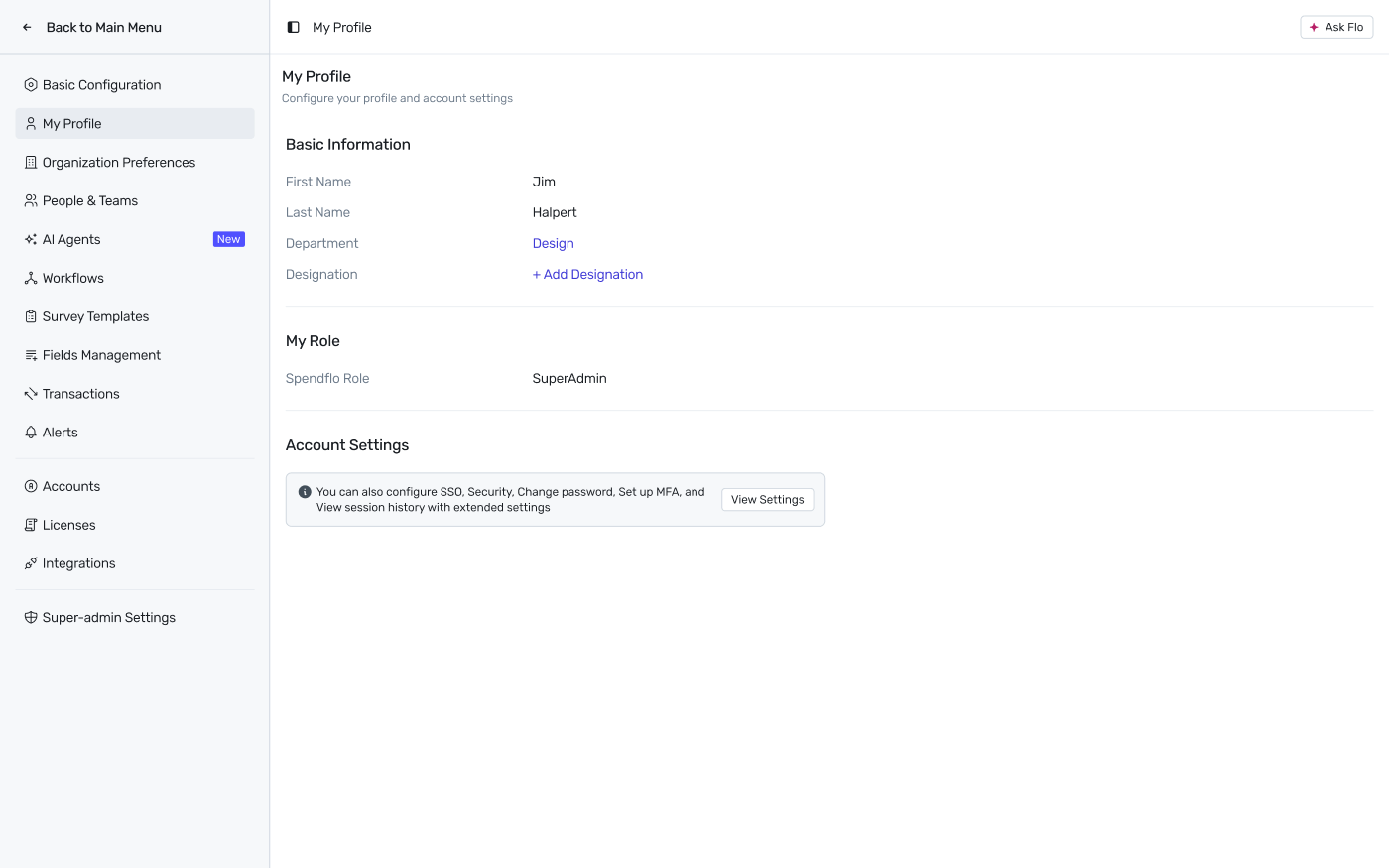
My Profile — Basic Information, My Role, and Account Settings.
Basic Information
First Name and Last Name — for clear identification across the platform.
Department — shows the department you're assigned to (for example, Design). This is set by your admin.
Designation — your job title. If it's not set yet, click + Add Designation to add one.
My Role
Your Spendflo Role is shown here as a read-only field — it's assigned by your admin and determines what you can see and do across Spendflo. See User Roles in the Spendflo Platform for what each role means. You can't change your own role from this page; ask your admin if it needs to change.
Account Settings
Below My Role, an Account Settings panel points you to everything else related to your account — SSO, Security, changing your password, setting up MFA, and viewing your session history. Click View Settings to open those.
Next Steps
To learn about navigating the rest of Spendflo, see Your First Login: Account Setup and Navigation.