How to edit a phase
Last updated: June 26, 2026
Overview
Making edits on a phase can include adding new tasks or a simple rename action on the phase name. To edit a phase, follow these steps:
Editing phases
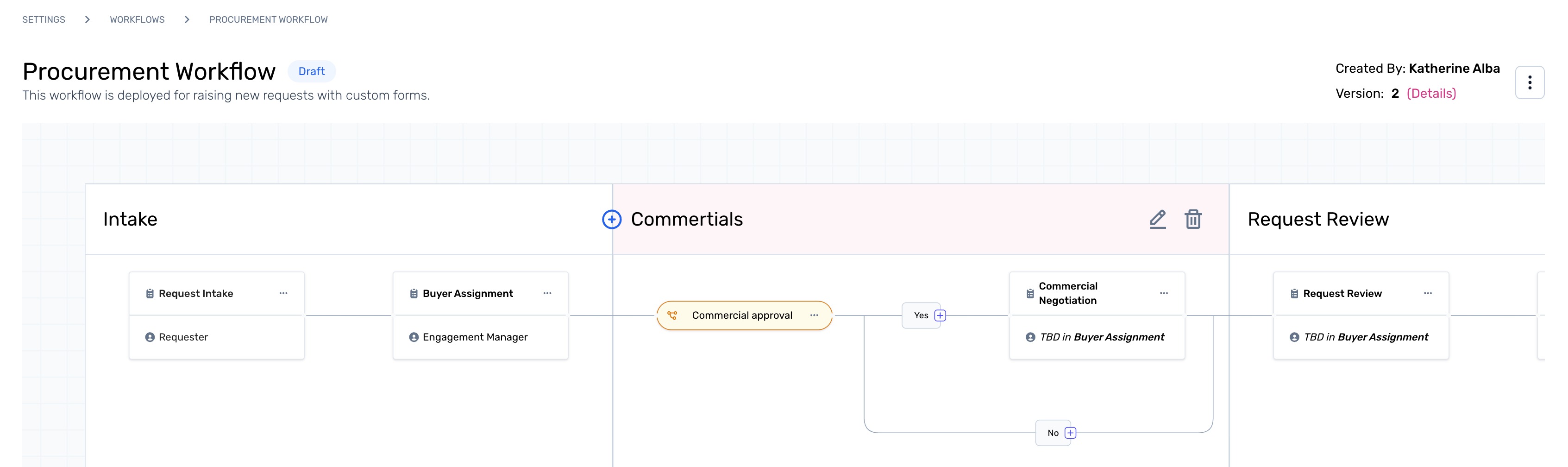
Step 1. Once the phases are added to the workflow, their names can be edited within the workflow studio. To rename a phase, click the edit icon next to the phase name.
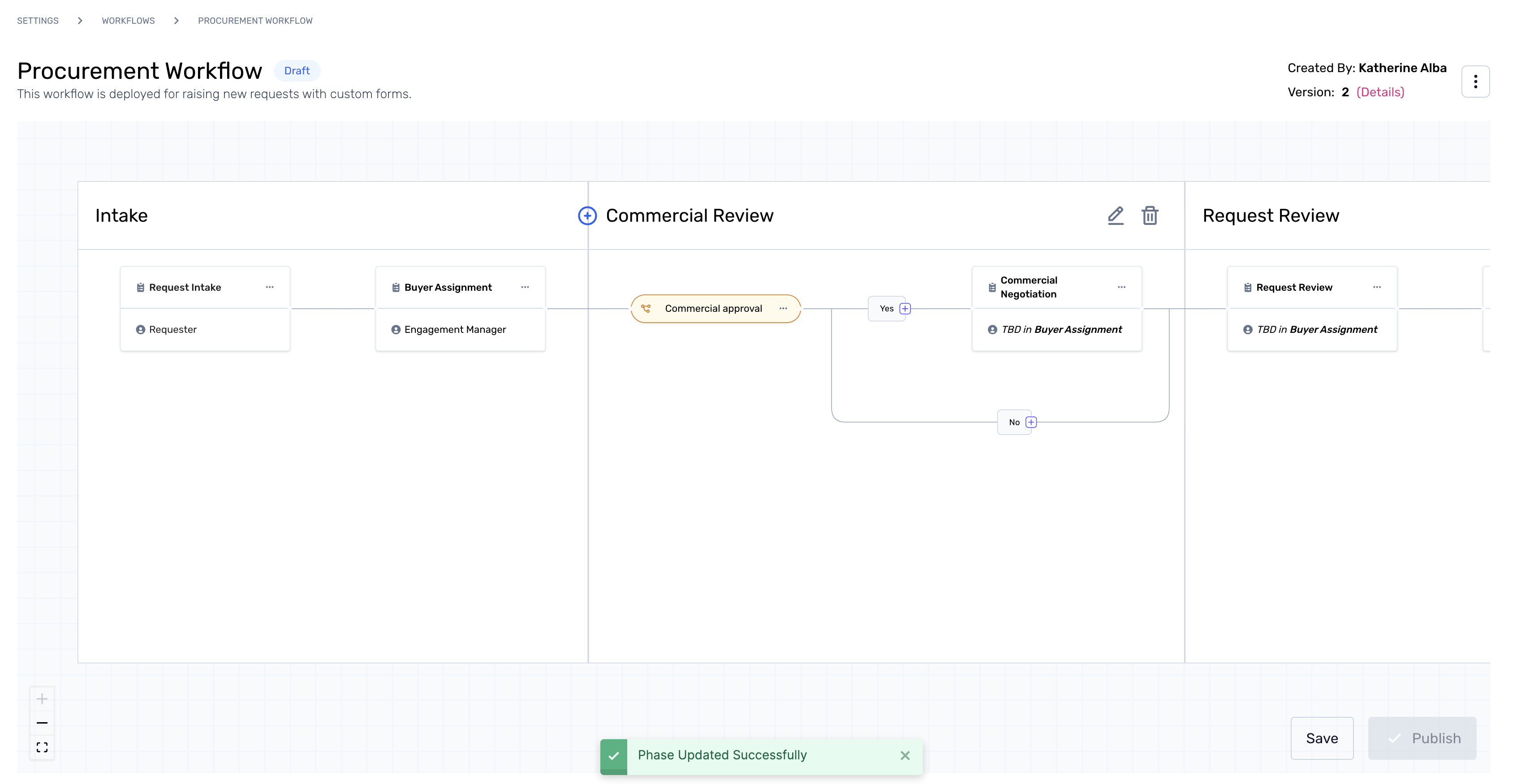
Step 2. Edit the phase name to rename and proceed. Followed by the phase changes, the respective tasks can also be edited.
Click here to know how.