Configuring Payment Export Formats
Last updated: August 10, 2026
Overview
Payment Exports lets you define the CSV format your bank expects when you export bill payment data from the Bill Payments screens. Once a format is configured here, it becomes a selectable option when exporting payments, so the downloaded CSV matches your bank's upload template — no manual reformatting needed. It's under Settings → Payment Exports.
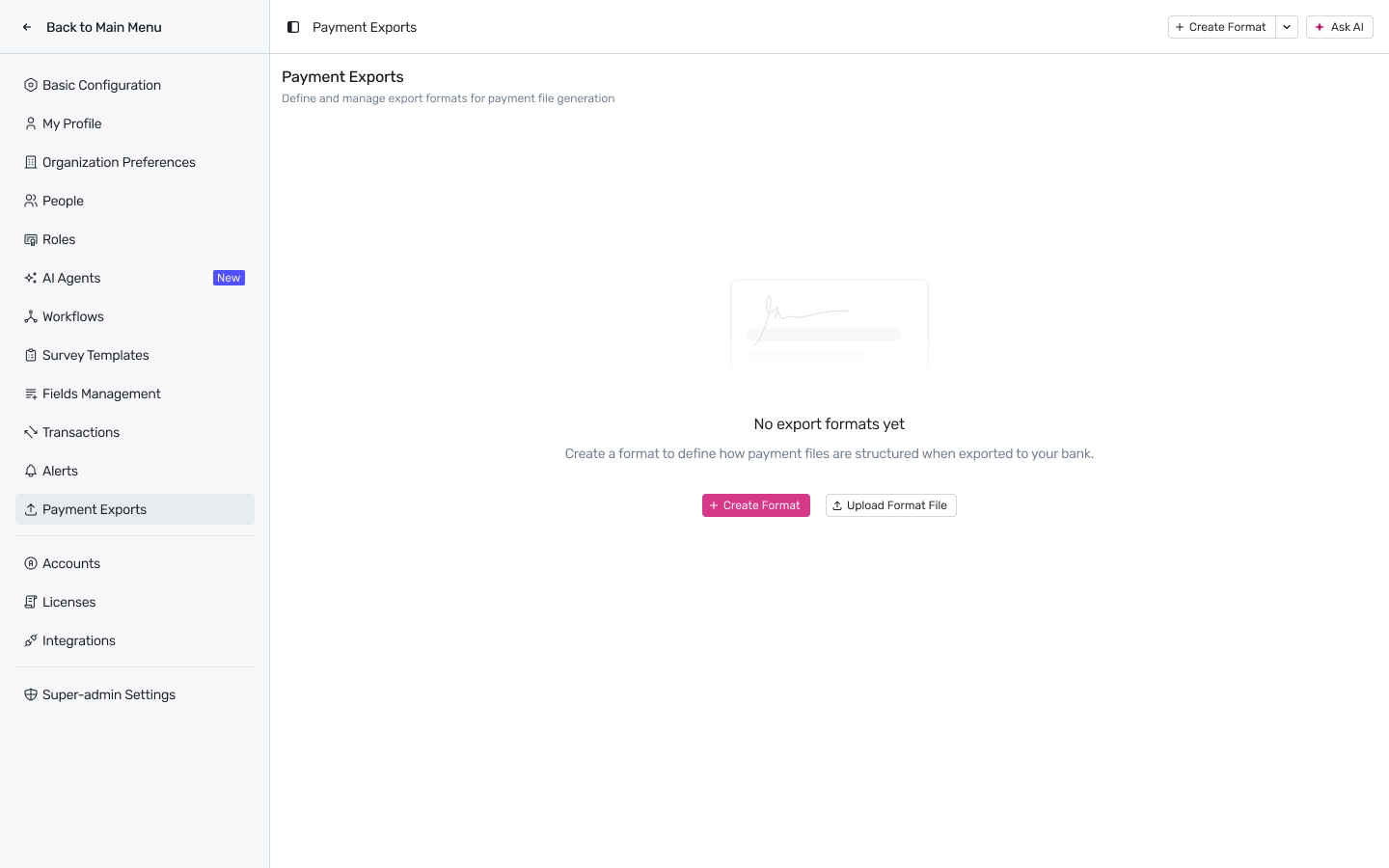
Settings → Payment Exports, before any format has been created.
Creating a format
Click Create Format to build a new export format from scratch, or Upload Format File to import a format definition you already have.
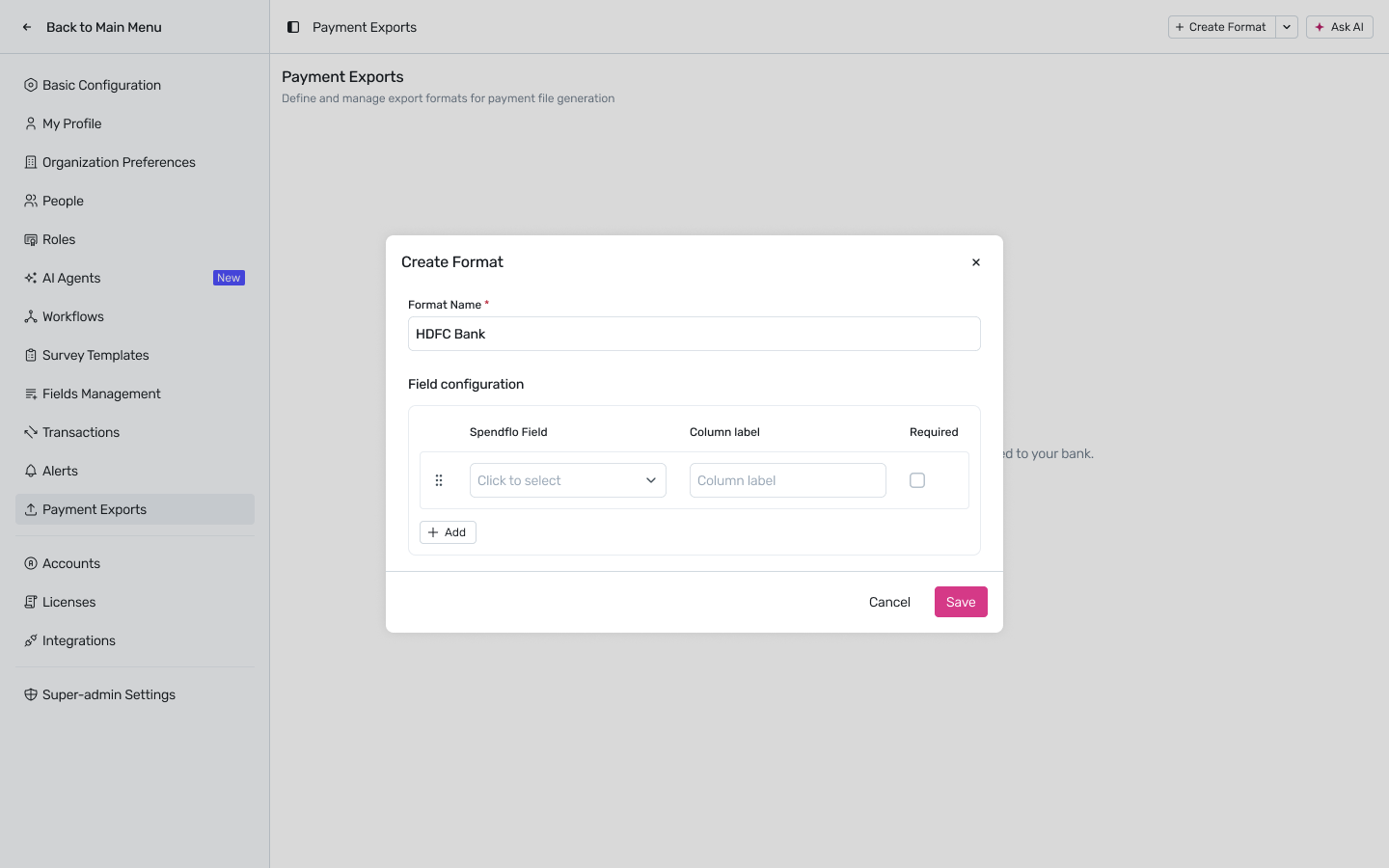
The Create Format modal — give the format a name and start mapping fields.
Format Name — usually the bank's name (for example, HDFC Bank), since each bank typically expects its own column layout.
Field configuration — a row-by-row mapping of Spendflo data to CSV columns:
Spendflo Field — the underlying data point to include (Account Number, Currency, PO Number, Reference Number, and other bill payment fields).
Column label — the exact header text that should appear in the exported CSV for that field, matching what your bank's upload portal expects.
Required — marks the column as mandatory in the export.
Click + Add to map another field, and drag the handle on the left of a row to reorder columns.
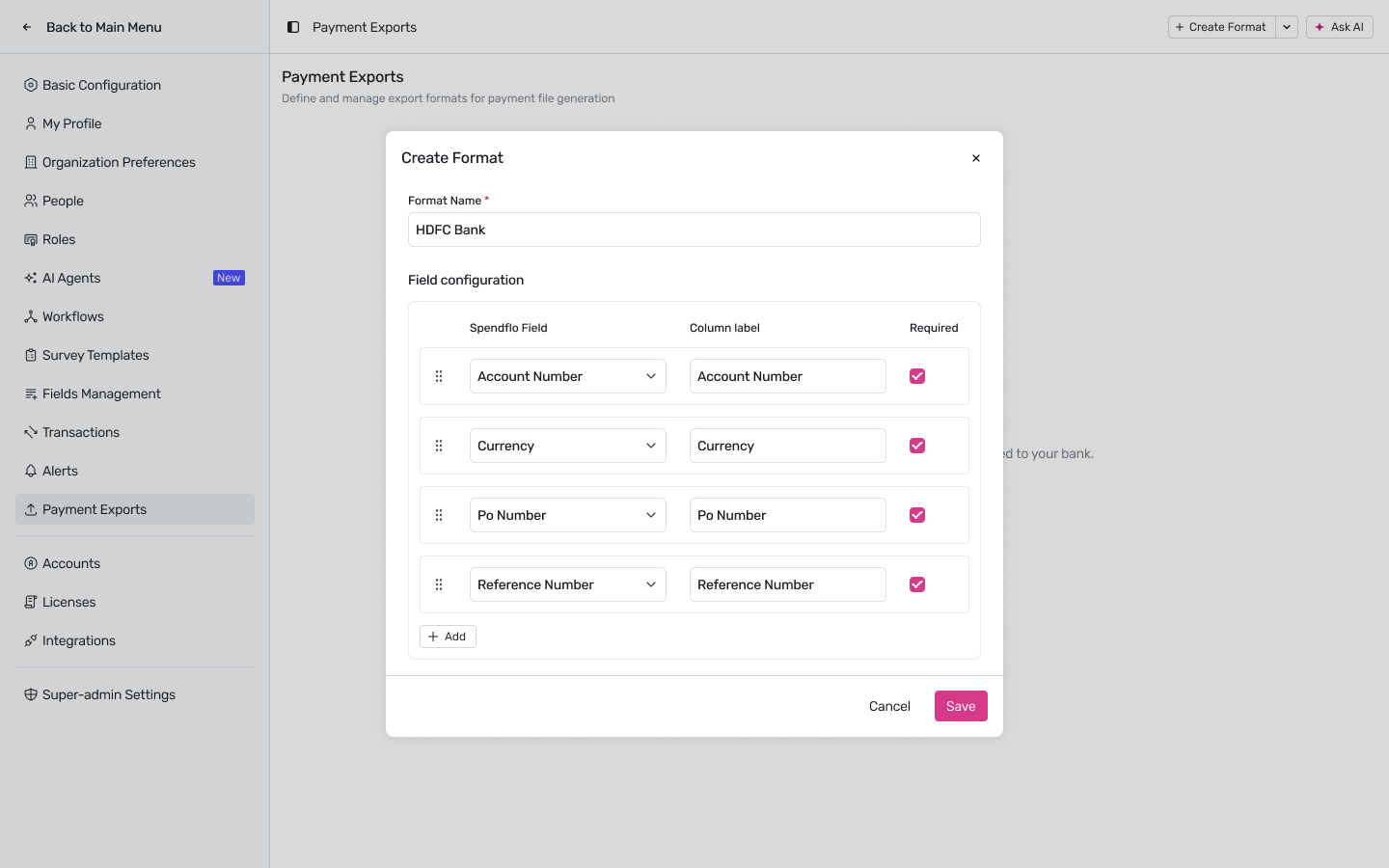
A completed HDFC Bank format — Account Number, Currency, PO Number, and Reference Number, all marked Required.
Click Save once every column your bank expects has been added.
Managing saved formats
Every format you create shows up as a card on the Payment Exports page, with the bank name and how many columns are configured.
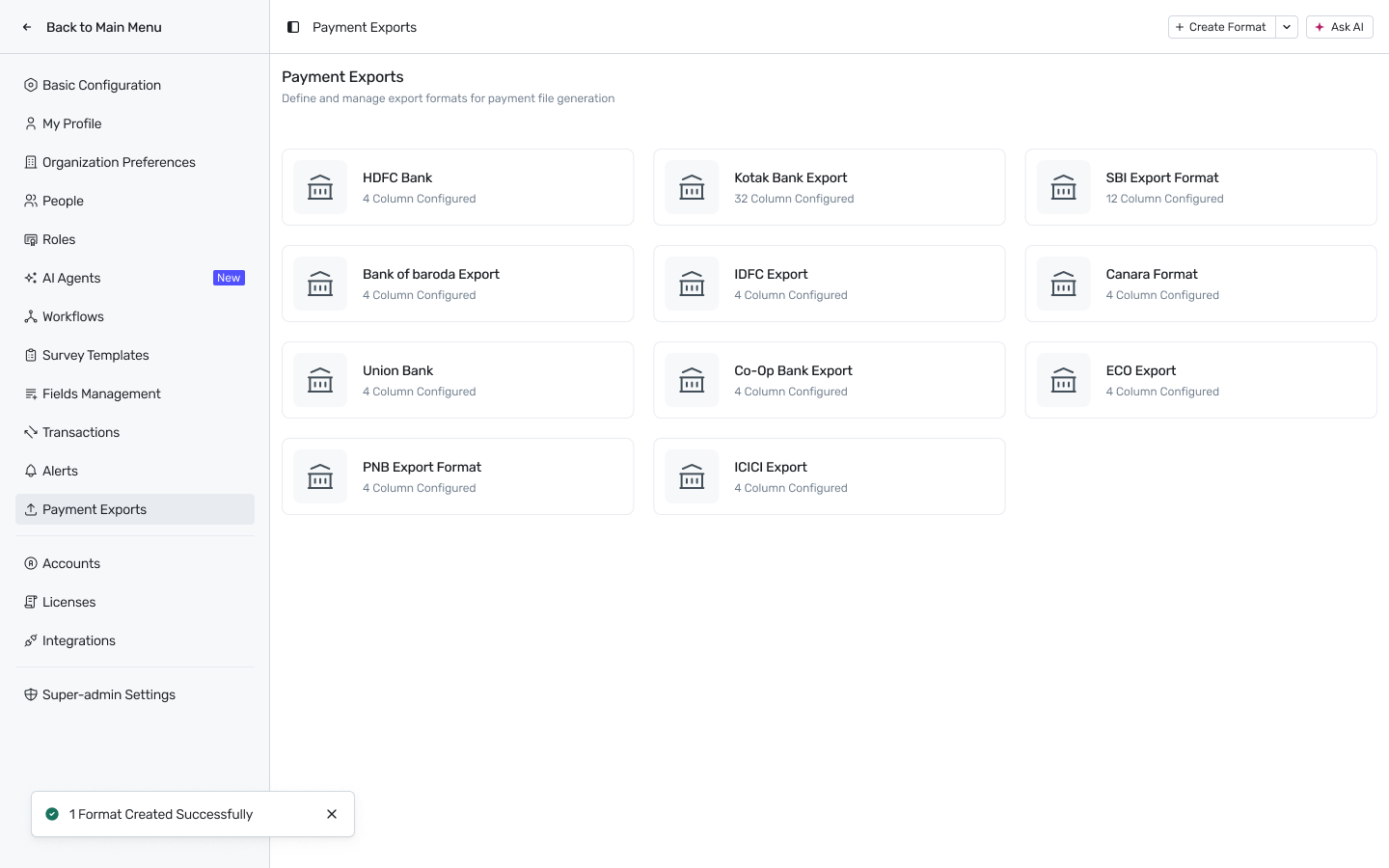
Multiple bank formats can be configured at once — one per bank you pay through.
Set up as many formats as you have payment banks — each is chosen individually when exporting from Bill Payments, so you can switch banks without reconfiguring anything.
Using a format
Once configured, these formats are available when exporting data from the Bill Payments screens: pick the matching bank format at export time and Spendflo generates a CSV with exactly the columns, labels, and order defined here.